
How to Search Property Records (Pro/Intelligence Feature)
How to Search Property Records Step-by-Step:
- Step 1: From the Crexi homepage, select the Comps & Records section.
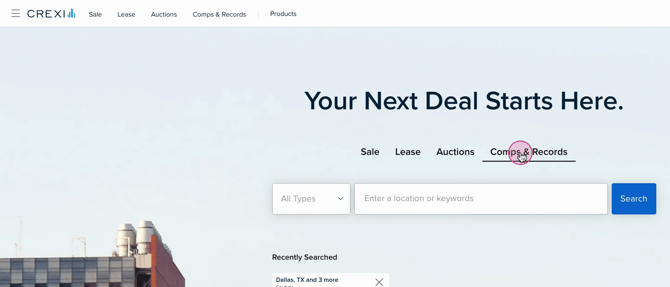
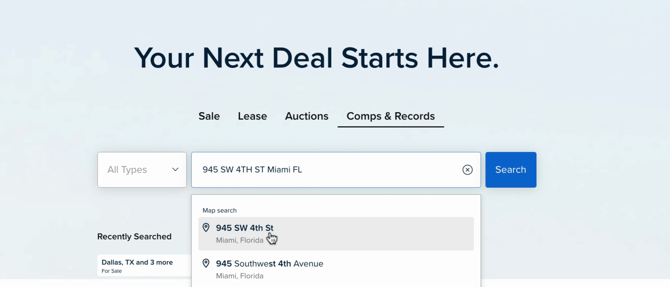
- Step 2: Choose your desired location or market, or type in the address of your subject property.
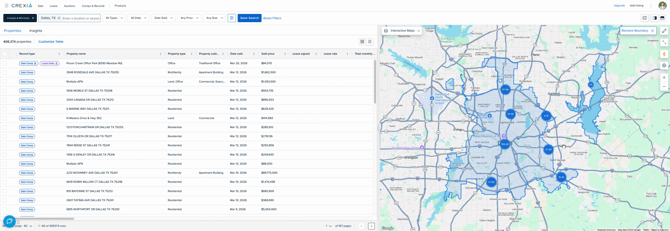
- Step 3: Once you've entered your desired area, view the total number of property records available in that market.
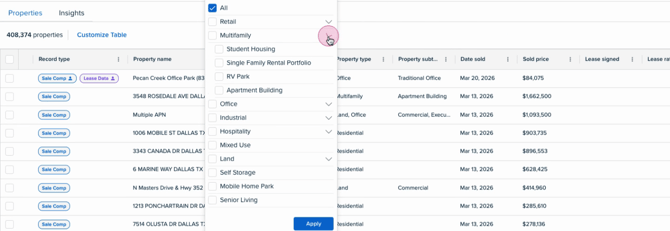
- Step 4: Filter your results to narrow down property types, such as apartments, office buildings, or vacant land.
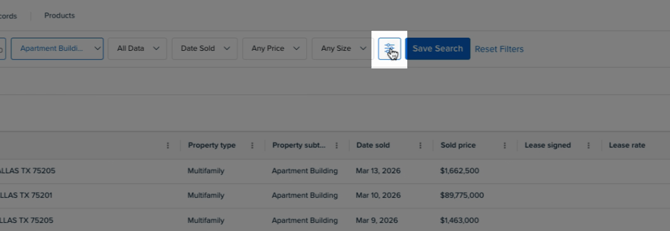
- Step 5: Click the Filters button to access advanced filtering options.
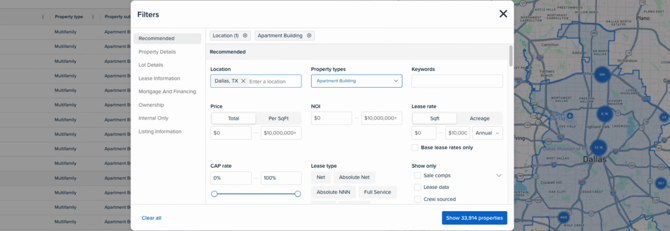
- Step 6: Refine your search with categories like Property Details (building size, year built, number of units), Lot Details (lot size, zoning codes), Leasing Information, Mortgage and Financing (loan amounts, interest rates, maturity dates), and Ownership (owner names or mailing addresses).
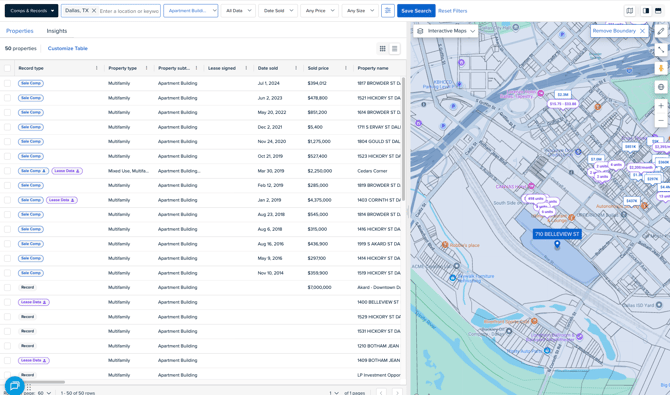
- Step 7: Use the map feature to zoom in on any parcel throughout the entire country. Once the parcels load, simply click on the desired parcel and find information on that specific property record.
Interested in Crexi Intelligence? Click here to schedule a demo today. If you need further assistance, please reach out to support@crexi.com or 888.273.0423.