
How can I unsubscribe from emails and alerts?
You can unsubscribe from email alerts or customize your subscription settings from the Notifications page.
-
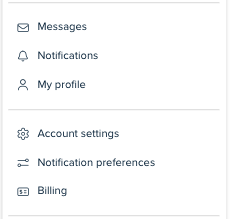
Log into your Crexi account and hover over your name in the top right corner and click on "Notification Preferences" towards the bottom of the dropdown menu.
-
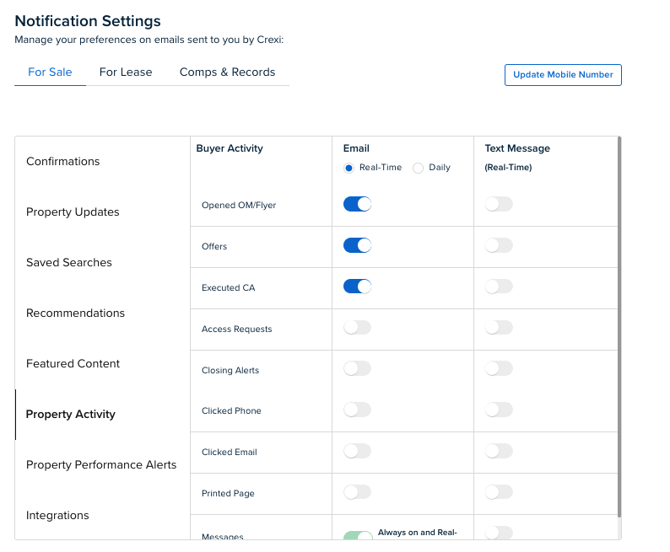
Here, you’ll be able to update the type of email notifications or text notifications you receive from Crexi. For notification types you are not interested in, simply toggle the buttons on or off. You can also toggle on or off general notification settings as well!
If you need any further assistance, please reach out to us at support@crexi.com or 888.273.0423.