
You are able only able to remove listings that are no longer available or in draft mode. Please note, once you delete your listing you will lose all lead information. We recommend for our Pro users to download their lead reports before doing so. Follow the next steps to fully delete your listing(s).
How to Delete a Listing from Crexi
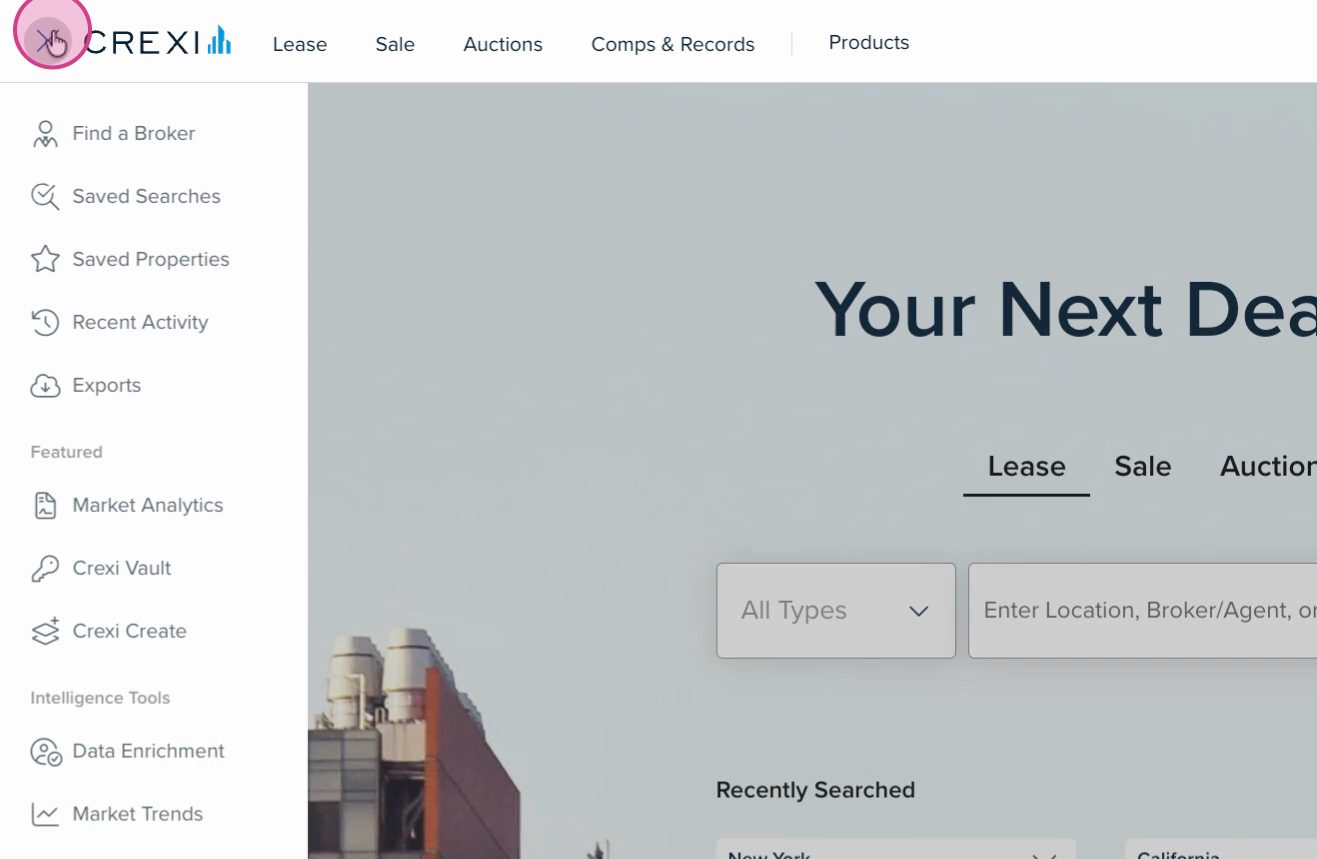
Step 1: Click the menu button in the top left corner.
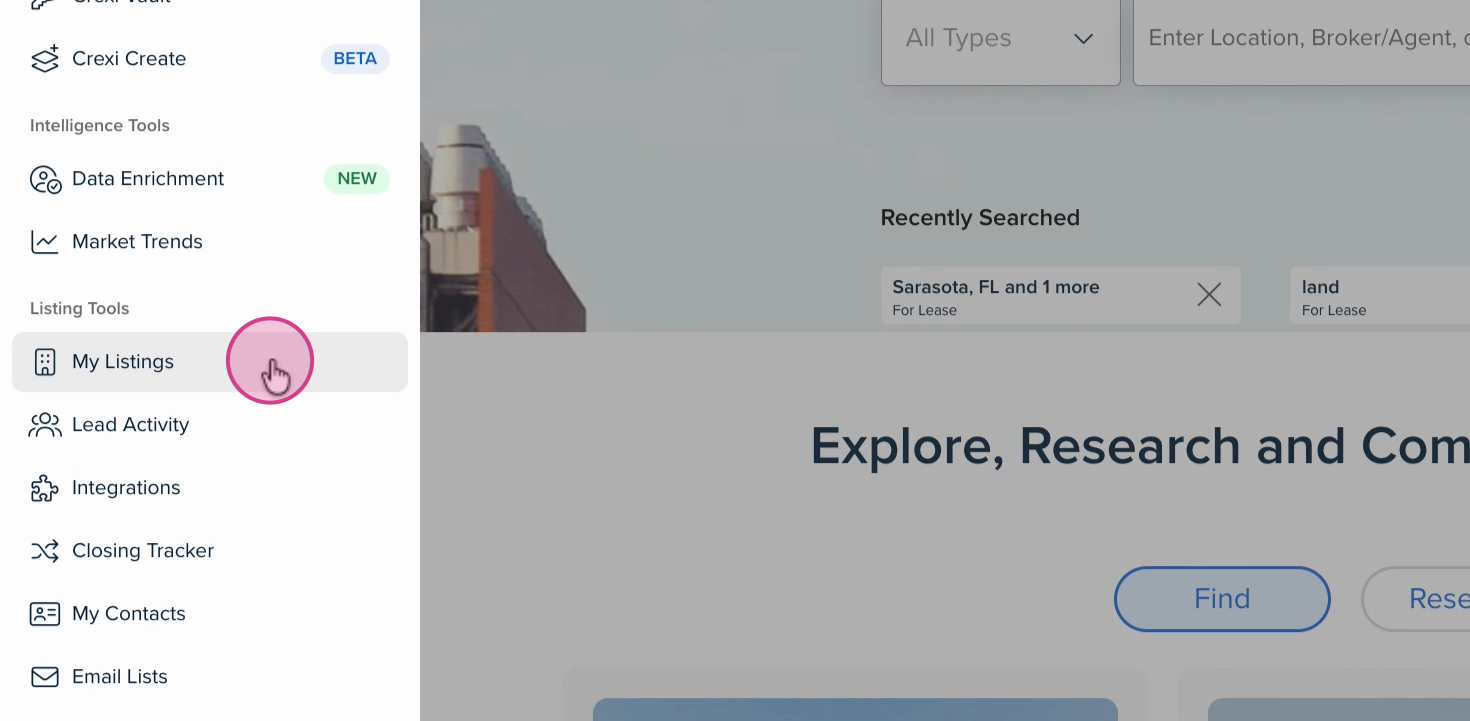
Step 2: Select My Listings.
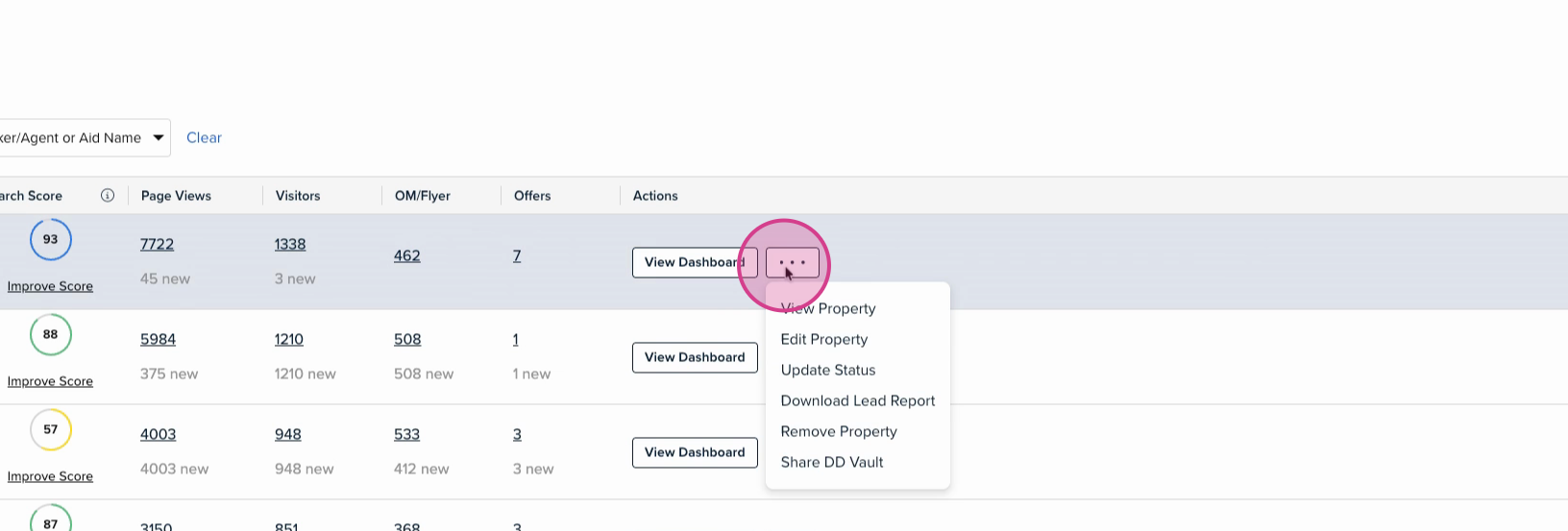
Step 3: Check that the listing’s status is set to No Longer For Sale or No Longer For Lease. Listings can only be deleted when they’re not active. When ready, click the three dots under the Actions column next to the listing you want to delete and select Remove Property.
Deleting Draft Listings
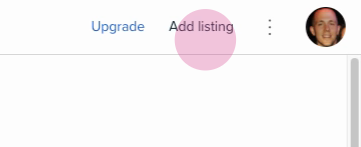
Step 1: Click Add Listing in the top right corner.
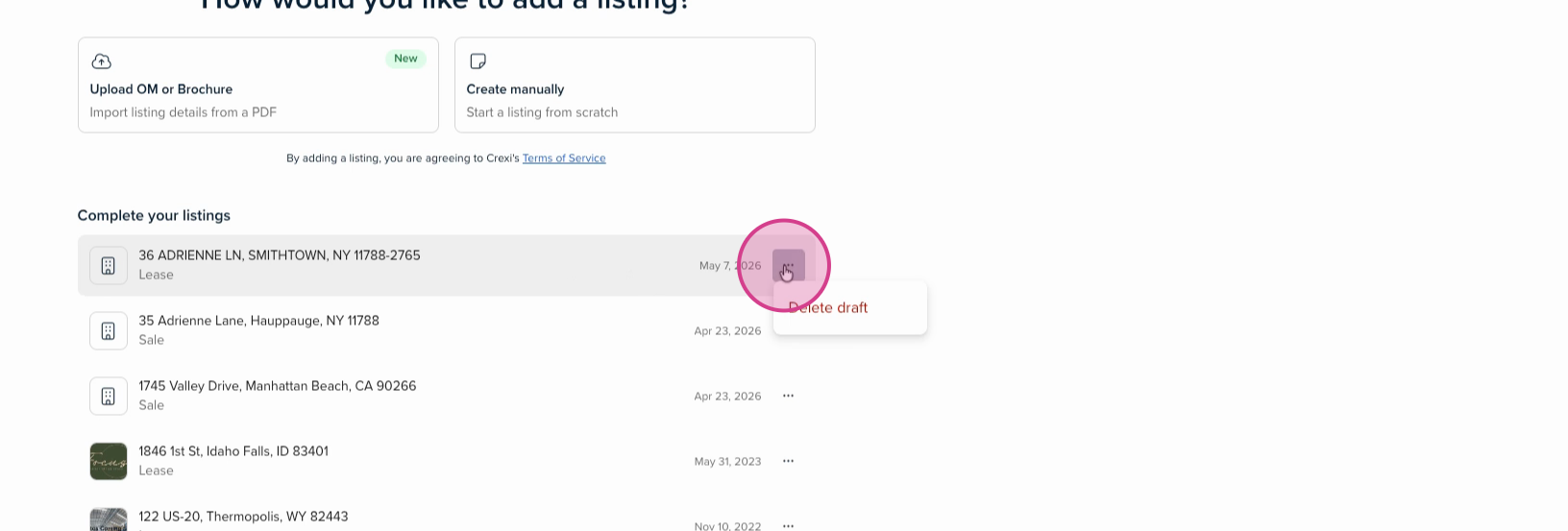
Step 2: Click the three dots next to the draft you want to remove and select Delete Draft.
If you need any further assistance, please reach out to us at support@crexi.com or 888.273.0423.