
How to Search Comps (Pro/Intelligence Feature)
How to Search Comps Step-by-Step:
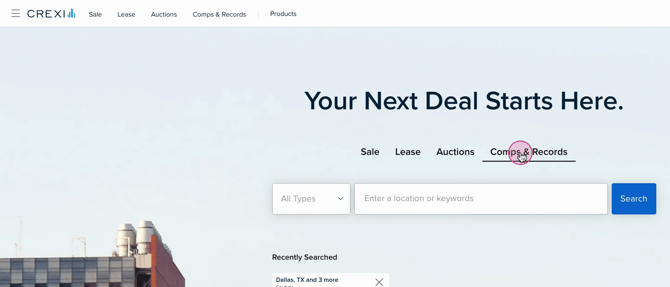
- Step 1: From the Crexi homepage, select the Comps & Records section.
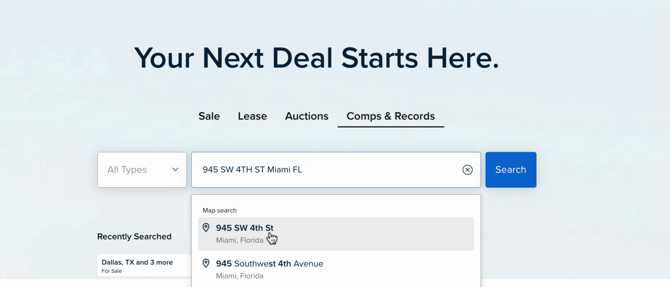
- Step 2: Choose your desired location or market, or type in the address of your subject property.
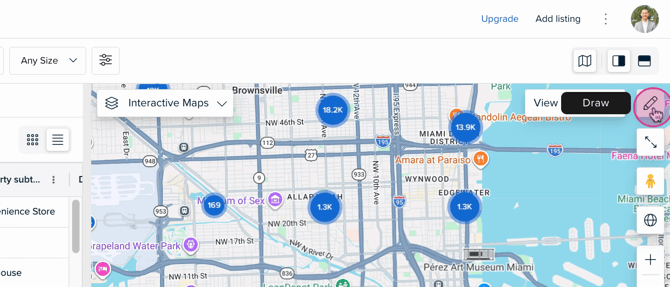
- Step 3: View the property result on the map, to pull comps within a specific radius, click the pencil icon at the top right of the map.
- Step 4: Draw your target area on the map.
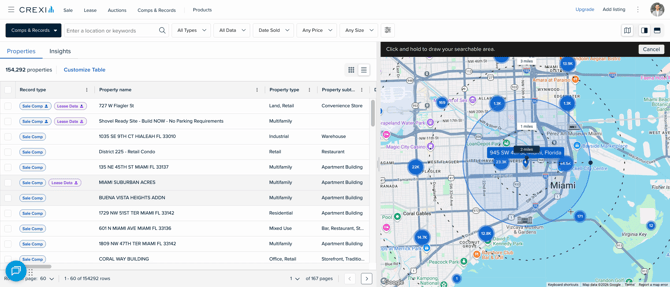
- Step 5: Select your search criteria using our property filters.
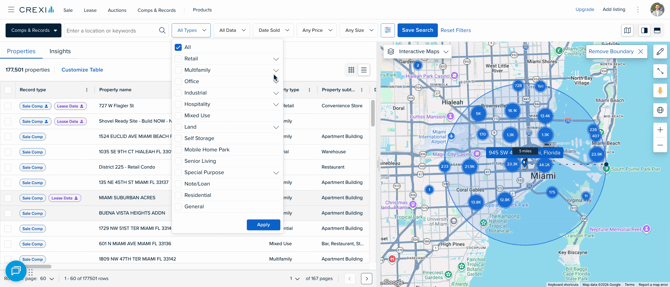
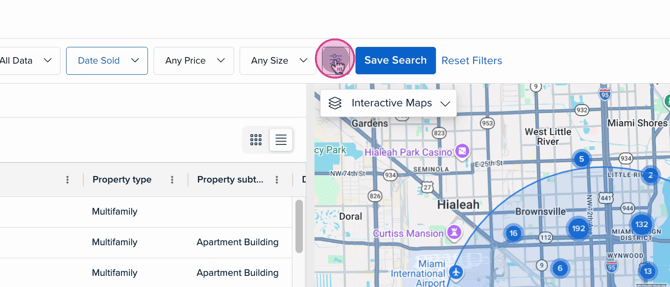
- Step 6: Dive deeper by selecting the filters icon.
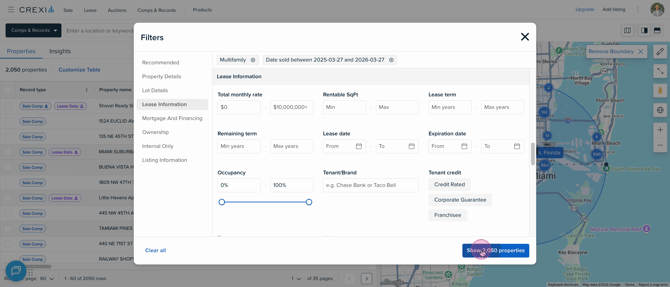
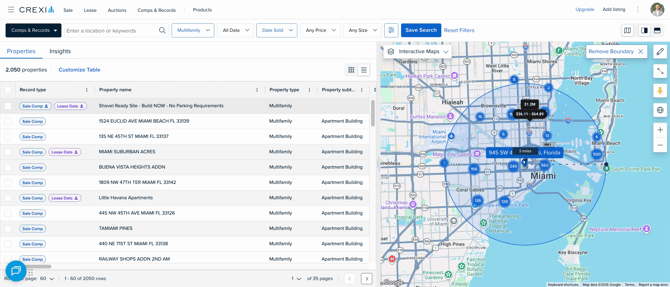
- Step 7: Browse through the listed properties on the left. Click on any property to view its full details and determine which are the best comps for your analysis.
Interested in Crexi Pro? Click here to schedule a demo today. If you need further assistance, please reach out to support@crexi.com or 888.273.0423.